Introduction
QR codes are everywhere now — restaurant menus, payment terminals, event tickets, Wi-Fi passwords, product packaging. Your phone probably scans them already, but a dedicated QR scanner app can be faster, safer, and far more useful, especially if you scan codes all day for work.
This guide compares the best QR code scanner apps for Android and iPhone, including the built-in options you already have. We look at speed, safety warnings, batch scanning, and price, so you can stop fumbling with your camera and scan in one tap.
Do You Even Need a Scanner App?
Start here, because the answer is often no. On iPhone, the built-in Camera app scans QR codes automatically — just point and tap the notification. On Android, most camera apps do the same, and Google Lens (built into the camera or the Google app) reads QR codes too.
You need a dedicated scanner app only if you want more: scanning many codes in a row, creating your own QR codes, scanning from photos in your gallery, or getting a safety warning before opening a suspicious link. If that sounds like you, read on.
1. Your Built-In Camera — Best for Occasional Scans
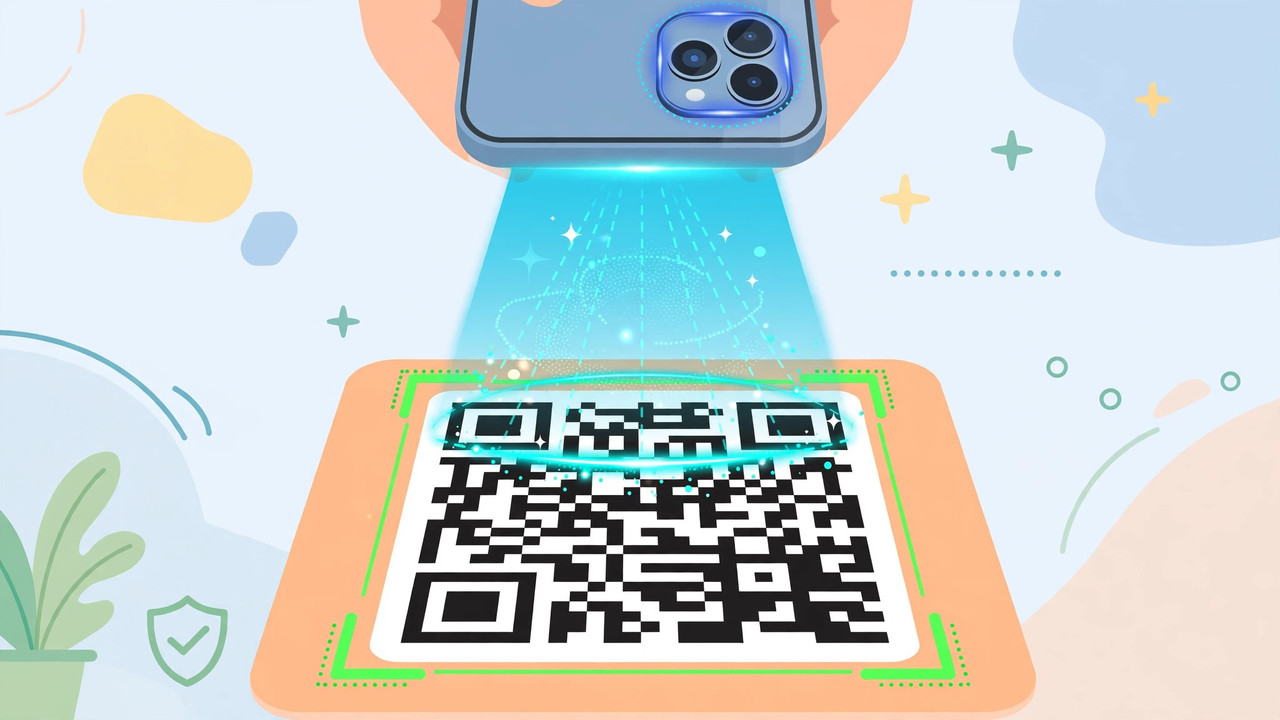
On iPhone, open Camera and point it at a QR code — a yellow notification appears, and tapping it opens the link. On most Android phones (Samsung, Pixel, Xiaomi), the camera app does the same thing automatically.
It is the fastest option because there is nothing to install and nothing to open — the camera is already on your home screen. It also has no ads and no privacy concerns.
The limitation is features: no history, no batch mode, no QR creation, and no safety check beyond the browser's own warnings. For one or two scans a day, though, it is all you need.
Best for: quick, occasional QR scans with zero setup. Price: free, built in.
2. Google Lens — Best for Scanning Plus More
Google Lens scans QR codes, but it also reads barcodes, identifies products and plants, translates text in photos, and copies text from images. It is built into the Google app on iPhone and into most Android cameras and the Google app on Android.
For QR codes specifically, Lens is fast and accurate, and it shows a preview of the link before you open it. It can also scan codes from photos you already took — useful when someone sends you a QR code in a message.
Lens needs an internet connection for its smartest features, and it is a Google product, so it shares data under Google's privacy policy. As an all-round scanning tool, though, it is the best free option after your camera.
Best for: QR scanning plus text, translation and product search. Price: free.
3. QR & Barcode Scanner by TeaCapps — Best Dedicated Scanner
TeaCapps' QR & Barcode Scanner is the most popular dedicated scanner on Android, with hundreds of millions of downloads. It opens fast, scans instantly, and keeps a history of everything you scanned.
It reads QR codes and all common barcode formats, lets you scan from gallery images, and can create QR codes for your own links, Wi-Fi passwords and contacts. A safety feature checks links against known malicious sites before opening them.
The free version shows ads. There is no iPhone version of this exact app, but iPhone users can use the built-in camera or the alternatives below.
Best for: fast, dedicated QR and barcode scanning on Android. Price: free with ads; Pro removes ads.
4. QR Scanner by Simple Design — Best for iPhone
Simple Design's QR Scanner is one of the most popular scanner apps on iPhone. It scans quickly, saves a history, scans codes from your photo library, and creates QR codes for links, text and Wi-Fi.
It also includes a flashlight toggle for dark rooms and a safety check that previews links before opening them. The interface is clean and the app opens straight into the camera, so scanning takes one tap.
The free version shows ads, and some features (like unlimited history) need the paid version. For iPhone users who want more than the built-in camera, this is the best dedicated option.
Best for: dedicated QR scanning on iPhone. Price: free with ads; paid version available.
5. NeoReader — Best for Barcode and QR Together
NeoReader has been around since the early days of QR codes, and it is still one of the most reliable scanners. It reads QR codes, Data Matrix, Aztec codes and all standard barcodes, and it works offline for basic scanning.
It is a good choice if you scan product barcodes as well as QR codes — for example, in a shop or warehouse. The history and favourites features make repeat scans easy.
The interface looks dated compared with newer apps, and development has slowed. But for raw reliability across code types, NeoReader still delivers.
Best for: scanning both QR codes and product barcodes. Price: free with ads; paid version available.
6. Barcode Scanner by ZXing — Best Open-Source Option
ZXing's Barcode Scanner is open-source, completely free, and has no ads at all. It is the simplest scanner on this list: open it, point, scan. It reads QR codes and barcodes, and it can share results to other apps.
It has no history, no QR creation, and no safety warnings — it is a pure scanner. It also has not been updated in years, so it may not work perfectly on the newest phones.
Use it if you want a no-nonsense, ad-free scanner and nothing else. For most people, the built-in camera or TeaCapps is a better daily choice.
Best for: a free, ad-free, open-source scanner. Price: completely free.
Staying Safe With QR Codes
QR codes can be dangerous because you cannot see where they lead before you scan. Attackers stick fake QR codes over real ones on parking meters, restaurant tables and posters, sending victims to phishing sites.
Follow these rules: always preview the link before opening it — every app above shows the URL first. Be suspicious of QR codes that lead to login pages asking for passwords or payment details. Never scan a QR code to download an app from outside the official store. And if a code promises free money or prizes, it is a scam.
Comparison Table
| App | Best for | History | Create QR codes | Safety check | Price |
|---|---|---|---|---|---|
| Built-in Camera | Occasional scans | No | No | Browser only | Free |
| Google Lens | Scanning + more | Yes | No | Link preview | Free |
| TeaCapps | Dedicated Android | Yes | Yes | Yes | Free, Pro |
| Simple Design | Dedicated iPhone | Yes | Yes | Yes | Free, paid |
| NeoReader | QR + barcodes | Yes | Yes | Basic | Free, paid |
| ZXing | Open-source | No | No | No | Free |
Frequently Asked Questions
Does my phone already scan QR codes? Almost certainly yes. iPhone Camera and most Android camera apps scan QR codes automatically — just point and tap the notification. You only need a scanner app for extra features.
What is the best QR scanner app? For Android, QR & Barcode Scanner by TeaCapps. For iPhone, QR Scanner by Simple Design. For occasional use, your built-in camera is enough.
Can QR codes be dangerous? Yes. A fake QR code can send you to a phishing site or a malicious download. Always check the link preview before opening, and never enter passwords or payment details from a QR code you found in a public place.
Can I create my own QR code? Yes. TeaCapps, Simple Design and NeoReader all let you create QR codes for links, Wi-Fi passwords and contact details, free.
Download
Get these scanner apps free from the official stores:
- Google Lens — Google Play · App Store
- QR & Barcode Scanner (TeaCapps) — Google Play
- QR Scanner (Simple Design) — App Store
- NeoReader — Google Play · App Store
Always download from the official Google Play Store or Apple App Store.
Conclusion
Most people never need a QR scanner app — the built-in camera does the job. But if you scan codes daily, want history and QR creation, or need safety warnings, TeaCapps on Android or Simple Design on iPhone is worth installing. And if you often scan documents rather than codes, our guide to the best PDF scanner apps covers that next step.