Introduction
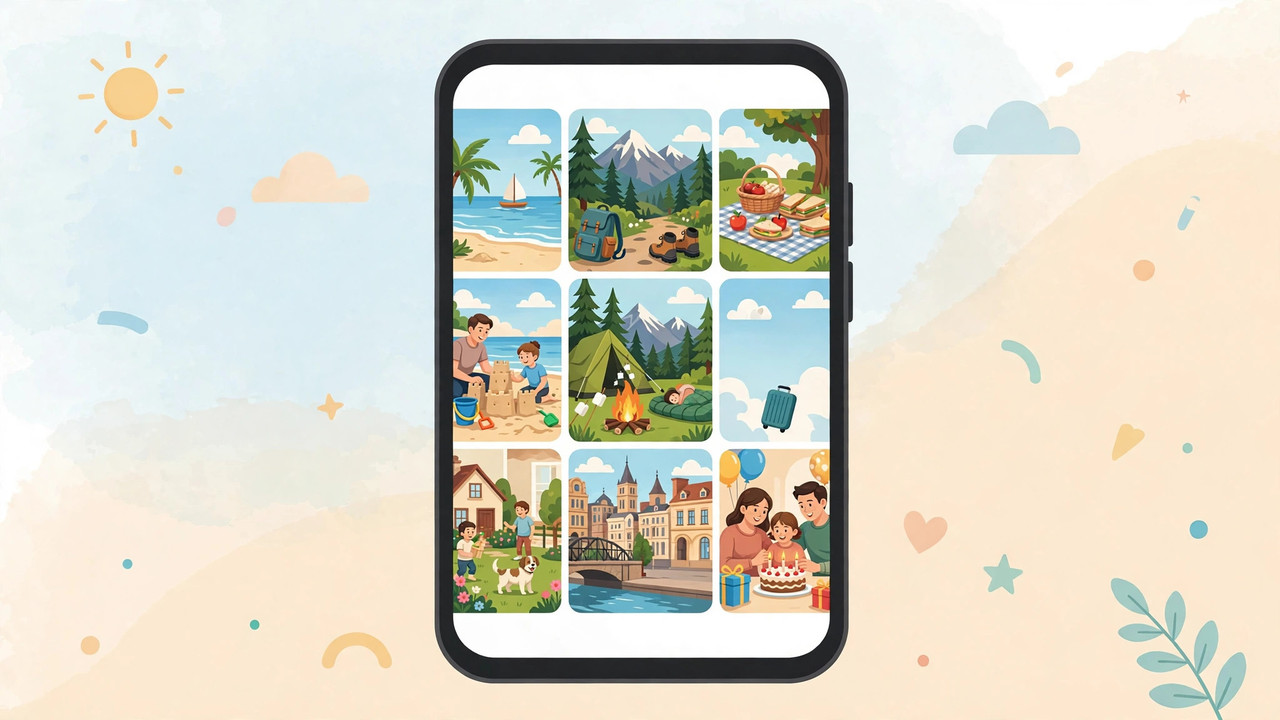
A collage turns a handful of photos into one story: a holiday, a birthday, a before-and-after, a year in review. The best photo collage apps make it fast — pick your photos, choose a layout, adjust, share — with results that look designed rather than thrown together.
This guide compares the best photo collage apps for Android and iPhone. We look at layouts, templates, editing tools, and price, so you can make collages worth sharing in minutes.
How to Choose a Collage App
Decide what kind of collage you make. Simple grids for social media need a fast, clean app like Layout or PhotoGrid. Creative, decorated collages with stickers and text need Picsart or Pic Collage. Collages inside designed posts need Canva.
Also check the export: the best apps export in high resolution without a watermark. Some free apps add their logo to your collage unless you pay — check before you invest time in a design.
1. Picsart — Best Overall Collage App
Picsart has the best collage tools of any app on this list. It offers classic grids, freestyle collages (drag photos anywhere), and frames, plus stickers, text, backgrounds, and filters to decorate them.
The freestyle mode is the standout: you can arrange photos at angles, layer them, add shadows and borders, and make collages that look handmade rather than templated. The template library is huge and updated constantly.
The free version shows ads and locks some templates and stickers behind Picsart Gold. But for collage variety and creative control, nothing else matches it.
Best for: creative collages with full control. Price: free with ads; Gold subscription unlocks everything.
2. Canva — Best for Designed Collages
Canva is the best app if your collage is part of a design — an Instagram post, a story, an invitation, a poster. Its collage templates are professionally designed, and you can add text, graphics, and branding in the same place.
You pick a template, drop in your photos, adjust, and export. The results look polished with almost no effort, and the free version includes hundreds of collage layouts.
Canva is less flexible than Picsart for freestyle arrangements — templates guide you, which is either a strength or a limitation depending on your taste. For share-ready collages, it is the fastest route.
Best for: polished collages inside social media designs. Price: free; Pro unlocks premium templates.
3. PhotoGrid — Best for Quick Grids
PhotoGrid is the fastest app for classic grid collages: pick 2–9 photos, choose a layout, adjust borders and backgrounds, export. The whole process takes under a minute.
It also offers video grids, scrapbook-style collages, filters, and stickers. The interface is simple and the results are clean.
The free version shows ads and adds a small watermark to some exports, which you can remove with the paid version. For quick, clean grids, PhotoGrid is the most efficient choice.
Best for: fast grid collages. Price: free with ads; VIP removes watermark.
4. Pic Collage — Best for Cards and Greetings
Pic Collage is the best app for collages that are also cards: birthday cards, holiday greetings, thank-you notes, invitations. It combines photo grids with cards, stickers, text, and handwriting.
It is especially popular for family collages and school projects because it is simple, friendly, and the results look warm rather than slick. The free version includes many templates; the VIP version adds more.
Pic Collage is less powerful than Picsart for photo editing. But for personal, heartfelt collages, it is the nicest app to use.
Best for: greeting cards and family collages. Price: free; VIP subscription available.
5. Layout from Instagram — Best Simple Instagram Collage
Layout is Instagram's own collage app, and the simplest on this list. It makes grid collages from your photos in seconds, with options to flip, mirror and resize each photo.
It has no stickers, no text, no templates — just clean grids. That simplicity is the point: if you want a quick collage for Instagram Stories or your feed, Layout does it faster than any other app.
Layout is completely free with no ads and no watermark. Its limitation is also its strength: it does one thing, and it does it perfectly.
Best for: quick, clean collages for Instagram. Price: completely free.
6. Moldiv — Best for Magazine-Style Collages
Moldiv is the best app for magazine-style collages: professional layouts, elegant frames, and a built-in photo editor with filters and beauty tools. It is popular with bloggers and small business owners who want collages that look like editorial pages.
It also includes a video collage feature and a good camera with live filters. The free version is usable, with premium layouts and features behind a subscription.
Moldiv is more polished than PhotoGrid and simpler than Picsart. For stylish, professional-looking collages, it is a strong pick.
Best for: magazine-style and professional collages. Price: free; Premium subscription available.
Comparison Table
| App | Best for | Freestyle | Templates | Watermark (free) | Price |
|---|---|---|---|---|---|
| Picsart | Creative control | Yes | Huge library | No | Free, Gold |
| Canva | Designed posts | Limited | Professional | No | Free, Pro |
| PhotoGrid | Quick grids | No | Many | Sometimes | Free, VIP |
| Pic Collage | Cards, greetings | Yes | Many | No | Free, VIP |
| Layout | Instagram grids | No | None | No | Free |
| Moldiv | Magazine style | Yes | Professional | No | Free, Premium |
Frequently Asked Questions
What is the best free photo collage app? Layout from Instagram is completely free with no watermark — best for simple grids. Picsart is the best free option for creative collages, and Canva is best for designed posts.
Can I make a photo collage without a watermark? Yes. Layout, Picsart and Canva all export without a watermark on their free versions. PhotoGrid may add one unless you pay.
Which collage app is best for Instagram? Layout for quick grids, Canva for designed posts and Stories, Picsart for creative freestyle collages.
How many photos can I put in a collage? Most apps support 2–9 photos per grid collage. Picsart's freestyle mode has no practical limit — you can add as many photos as fit on the canvas.
Download
Get these collage apps free from the official stores:
- Picsart — Google Play · App Store
- Canva — Google Play · App Store
- PhotoGrid — Google Play · App Store
- Pic Collage — Google Play · App Store
- Layout from Instagram — Google Play · App Store
- Moldiv — Google Play · App Store
Always download from the official Google Play Store or Apple App Store.
Conclusion
For quick grids, use Layout — free, fast, no watermark. For creative collages, use Picsart. For designed posts, use Canva. Whichever you choose, start with your best photos — a collage can only be as good as the pictures in it. And if you want to edit those photos first, our guide to the best photo editor apps will help you polish them before you arrange them.